
Safe Haven IT perspective: Technology should reduce friction, strengthen resilience, and support the organization’s goals. The following guide is written for business and organizational leaders who want practical next steps without unnecessary jargon.
A Backup Is a Copy. Recovery Is a Business Outcome.
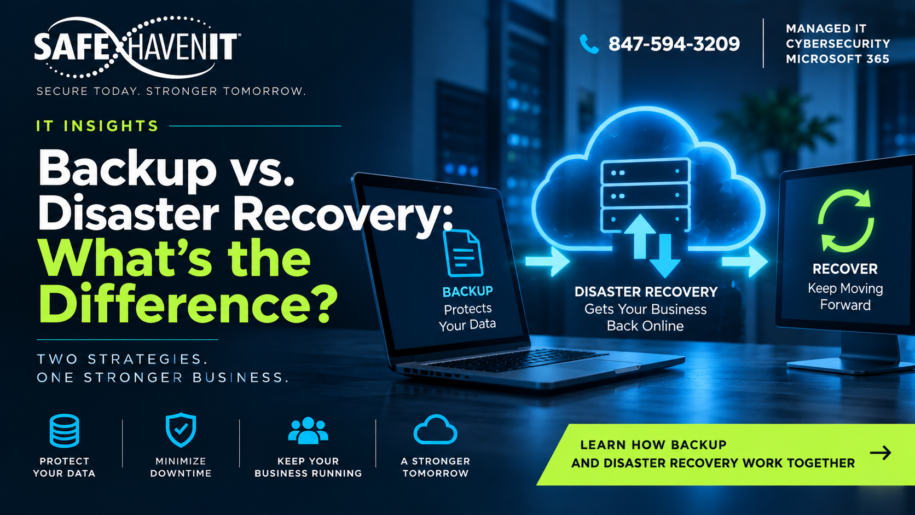
A backup is a protected copy of data or systems that can be used after deletion, corruption, hardware failure, ransomware, or another incident. Disaster recovery is the broader plan for restoring the technology and processes the organization needs to operate.
Why the Difference Matters
A company can have successful nightly backups and still face a long outage if nobody knows which systems must be restored first, credentials are unavailable, dependencies are undocumented, or restoration has never been tested.
Define Recovery Priorities
Identify critical applications and data. Determine how much downtime the organization can tolerate and how much recent data it could afford to lose. These business requirements help shape backup frequency, retention, architecture, and recovery procedures.
Protect the Backups Themselves
Backups should be protected against unauthorized access and destructive changes. Depending on the environment, organizations may use separate credentials, immutable or offline copies, multiple storage locations, and monitoring to reduce the chance that one incident destroys both production data and backups.
Test Restoration
A backup report that says successful does not prove that the organization can recover. Periodically restore representative data or systems, document the steps, measure the time required, and correct problems discovered during testing.
Plan for More Than Technology
Disaster recovery also involves people, communications, vendors, facilities, and temporary business processes. Leadership should know who can declare an incident, who contacts vendors, how employees receive instructions, and how customers or partners will be informed if necessary.
Make Recovery an Ongoing Process
Systems change constantly. New applications are adopted, servers are retired, employees change roles, and data volumes grow. Review recovery plans and backup coverage whenever significant technology or business changes occur.
Where Safe Haven IT Can Help
Safe Haven IT helps Chicagoland organizations improve day-to-day technology support, cybersecurity, Microsoft 365, cloud and backup, and long-term IT planning. If you would like to discuss the issues in this article in the context of your environment, start with a conversation rather than a product list.