
Safe Haven IT perspective: Technology should reduce friction, strengthen resilience, and support the organization’s goals. The following guide is written for business and organizational leaders who want practical next steps without unnecessary jargon.
Why Passwords Are Not Enough
Passwords can be phished, reused, guessed, exposed in breaches, or captured by malware. A strong password policy is useful, but it should not be the only barrier protecting email, cloud data, remote access, or administrative tools.
What MFA Changes
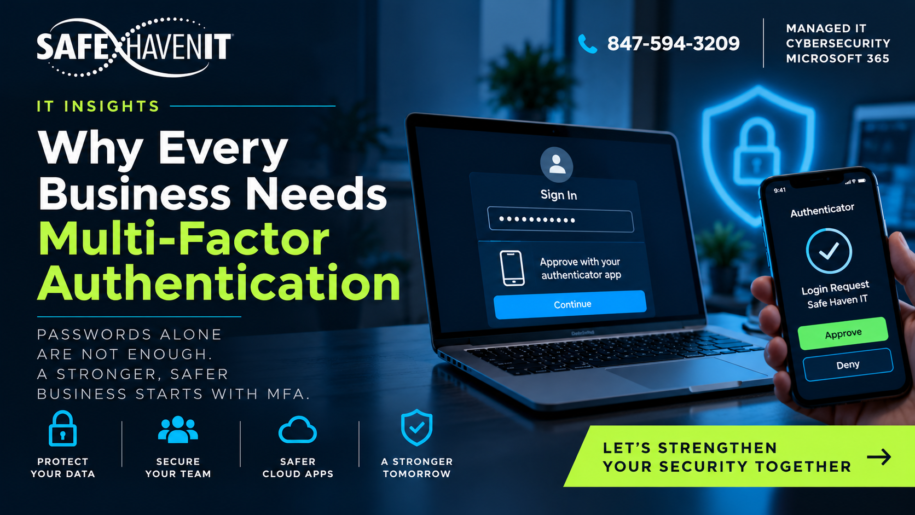
Multifactor authentication requires another form of verification in addition to a password. That extra step can prevent many common account-takeover attempts even when a password has been stolen. CISA recommends requiring MFA wherever possible and prioritizing privileged and remote access.
Where to Start
Start with administrators, executives, finance staff, email accounts, remote-access systems, password managers, cloud storage, and other systems containing sensitive or business-critical information. Then expand coverage across the organization.
Not All MFA Is Equal
SMS codes are generally better than password-only authentication, but stronger methods are available. Authenticator apps, number matching, hardware security keys, passkeys, and other phishing-resistant methods can provide stronger protection depending on the platform and business requirements.
MFA Fatigue Is a Real Operational Issue
Users should be trained never to approve an unexpected authentication request. Repeated prompts can be a sign that someone already knows the password. Organizations should also investigate unusual sign-ins instead of assuming MFA alone eliminates risk.
Pair MFA With Good Identity Management
MFA works best alongside strong account lifecycle processes, least privilege, separate administrative accounts where appropriate, sign-in monitoring, device security, and prompt removal of access when employees or vendors leave.
Where Safe Haven IT Can Help
Safe Haven IT helps Chicagoland organizations improve day-to-day technology support, cybersecurity, Microsoft 365, cloud and backup, and long-term IT planning. If you would like to discuss the issues in this article in the context of your environment, start with a conversation rather than a product list.